
Build complete folder hierarchies from reusable templates.
Stop rebuilding the same folder structures again and again. Templatix lets you create reusable folder templates for projects, clients, or financial periods — then generate a complete, organized folder hierarchy in seconds.
Save time, Stay consistent
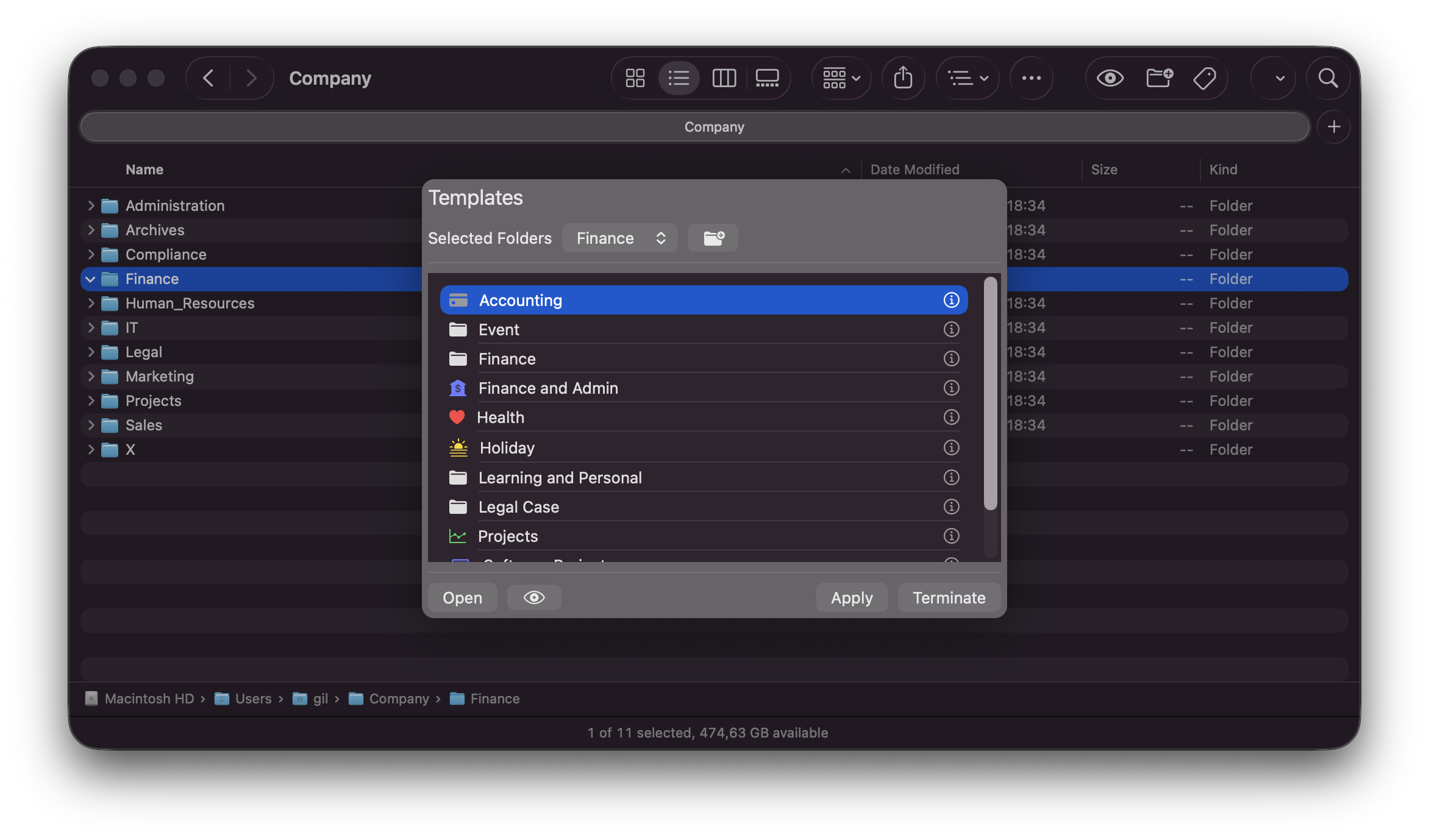
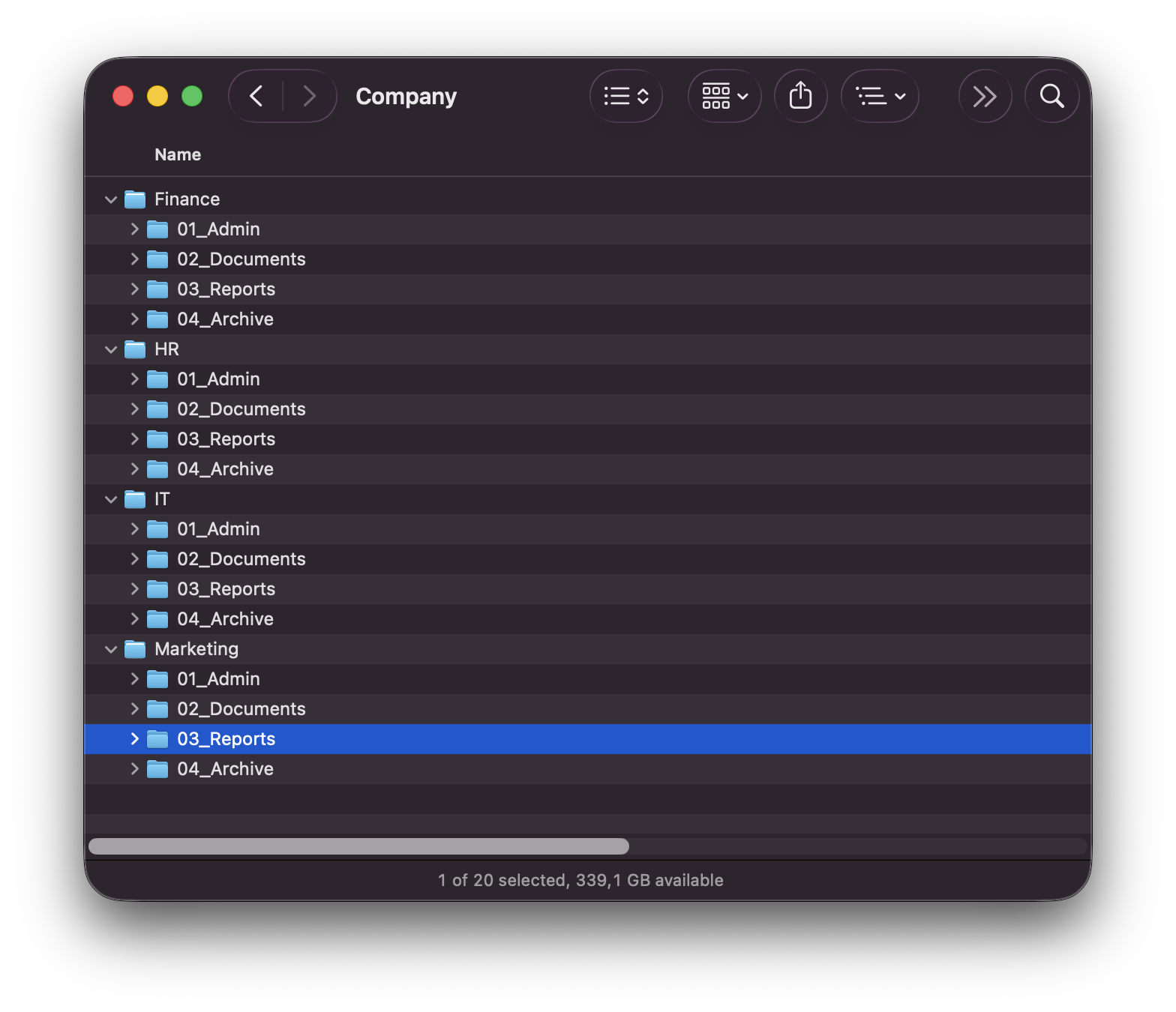
Import template from human text or create one from scratch → Mix and structure folder generators → Preview result before applying → Build full folder trees instantly in Finder
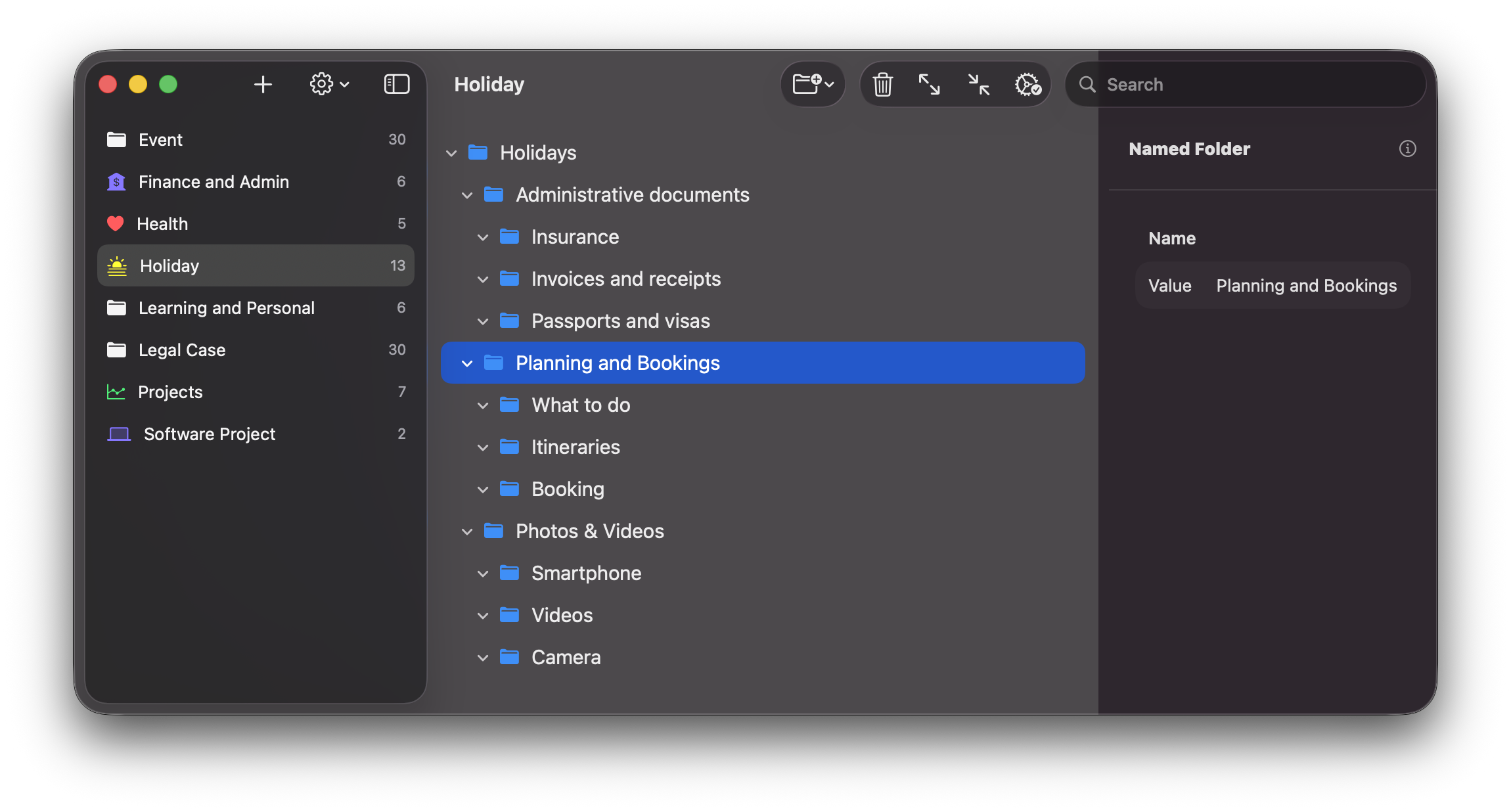
- Folder Generators: Assemble flexible folder structures from reusable generators.
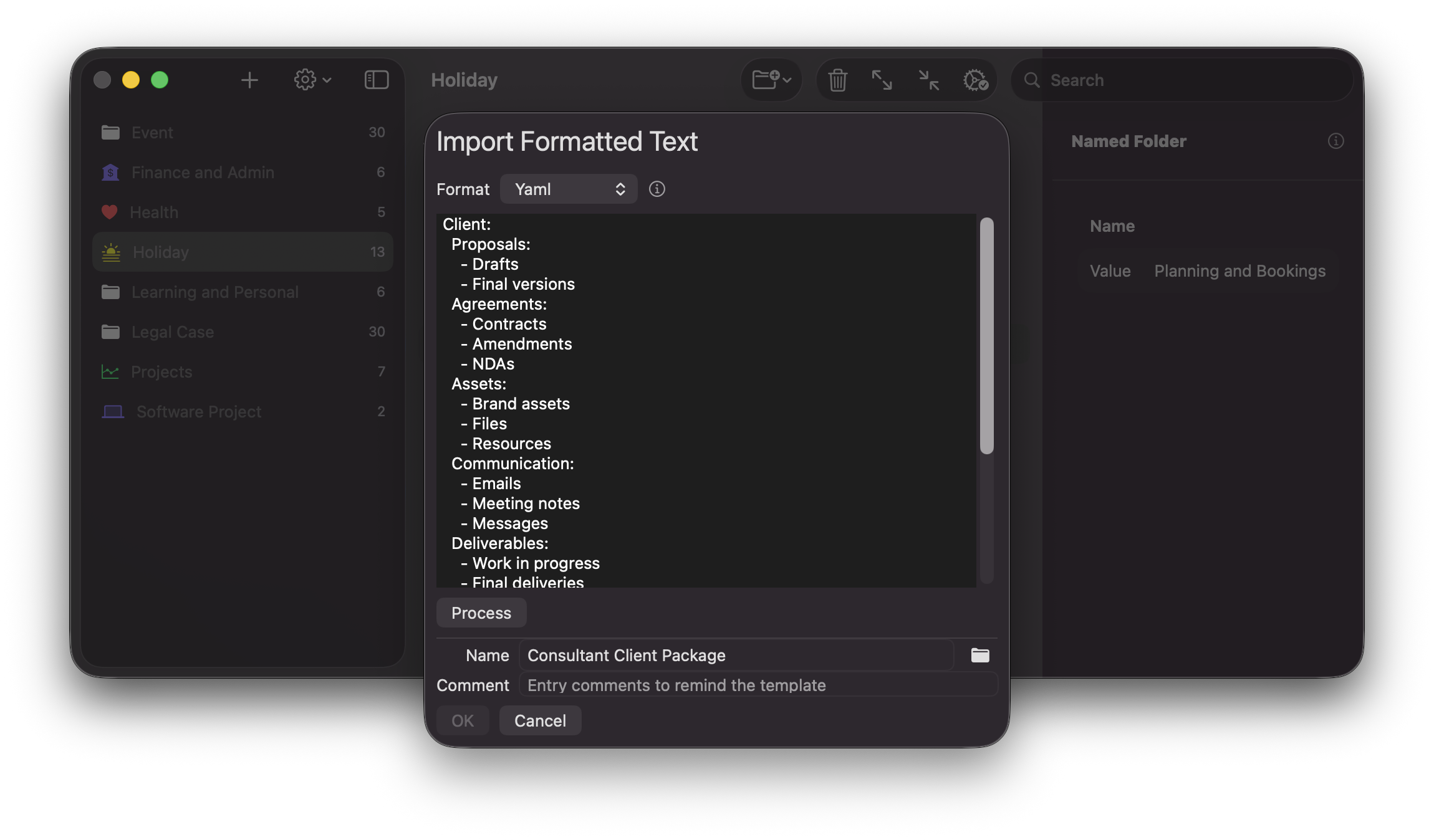
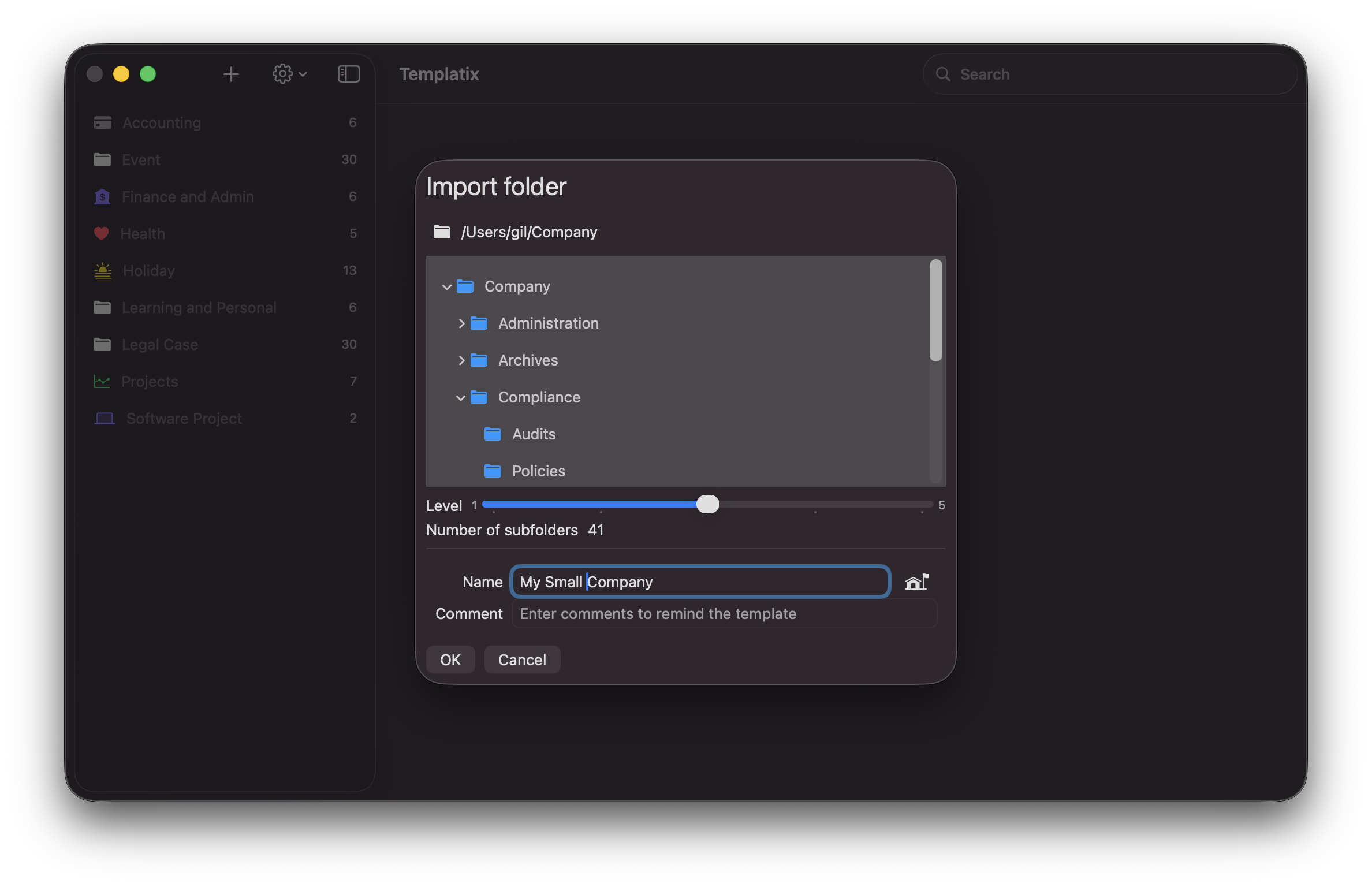
- Import your structure: Import YAML, Markdown, or folders and transform them into templates.
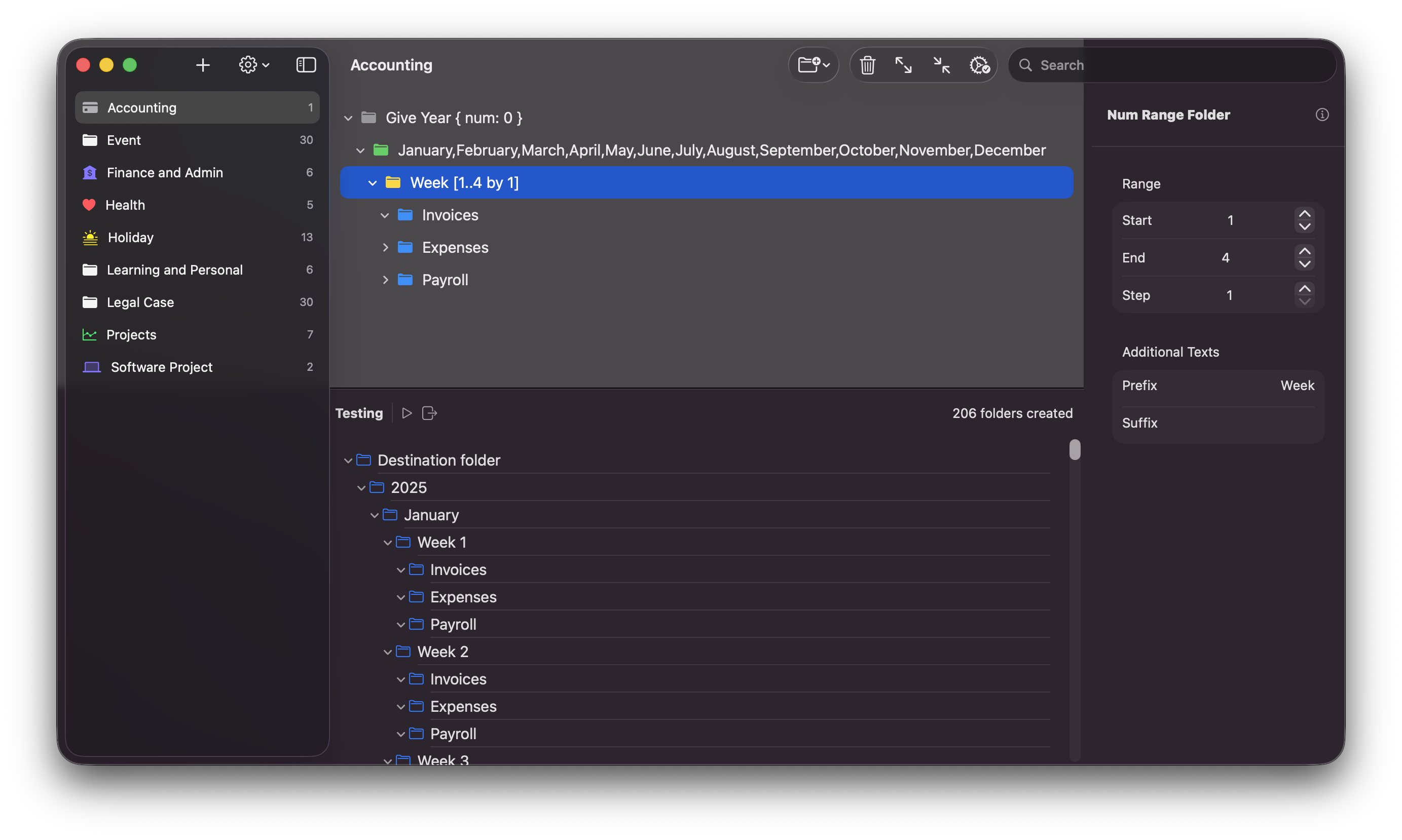
- Safe Preview: See every folder to be generated before creating.
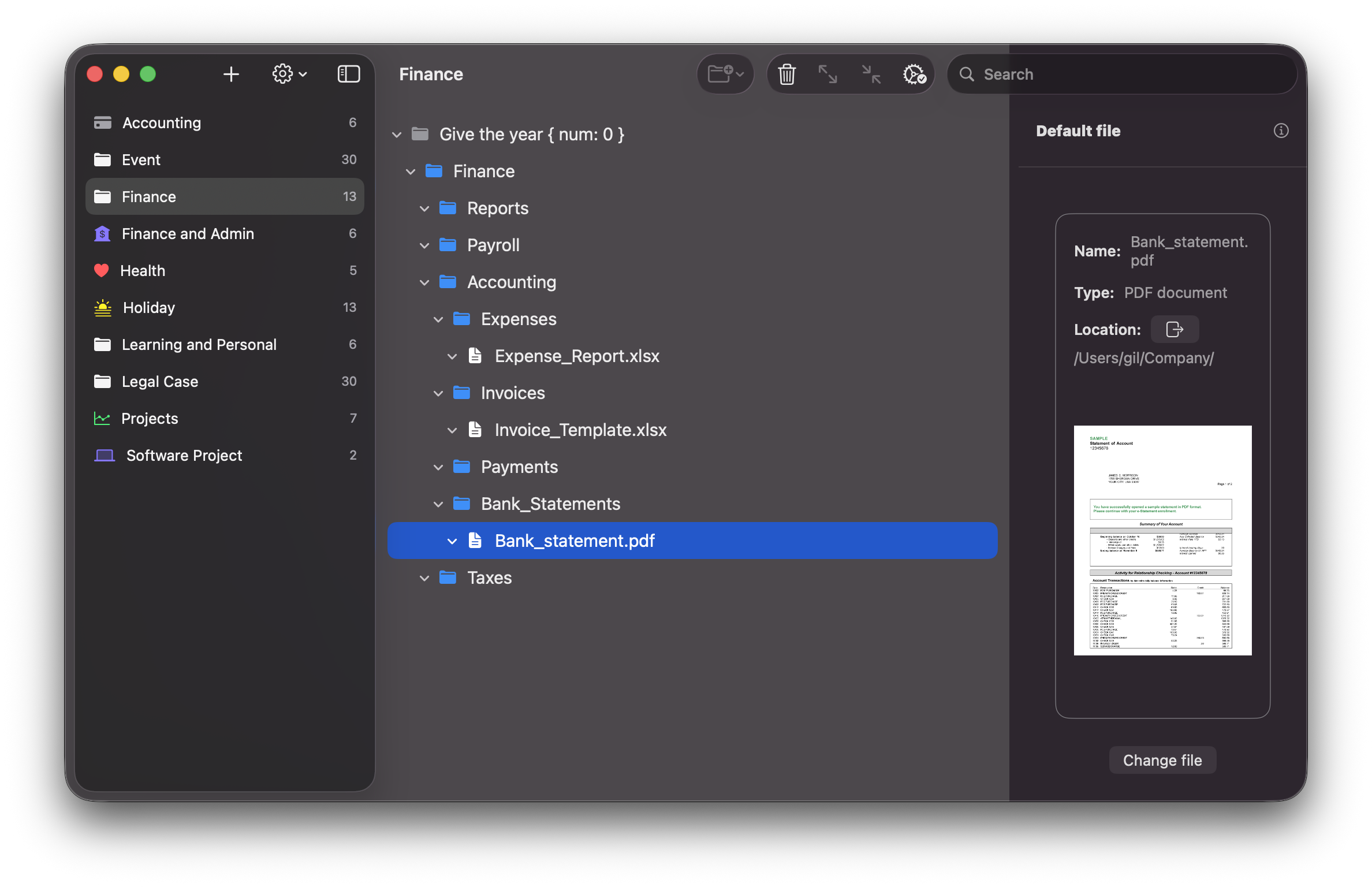
- Pre-filled content: Pre-fill subfolders with files for ready to use hierarchy.
- Adaptive Generation: Ask for verified custom values when creating folders.
- Native: Designed the macOS way, working seamlessly with Finder and iCloud.
- Consultants: Everything you need to run a project smoothly — discovery through delivery — already organized with sensible default files.
- Designers: match folders to projects, brand, mood boards, or creative direction
- Managers: Stay on top of scope, timelines, and deliverables with a repeatable project structure that keeps everyone organized.
- Developers: quickly spot repos, environments & builds.
- Teams: standardize shared folders to keep everyone visually aligned.
- Students: instantly spot courses, years, and assignments.
Use generators to turns naming rules, numbered and structured patterns into real, ready-to-use subfolders.
NamedFolder
Create fixed-named subfolders like Assets or Invoices. Perfect for standard structure.
CharRangeFolder
Generate A–Z (or any letter range) folders for alphabetized collections with optional padding.
NumRangeFolder
Produce numeric series such as 01..12 or 100..900 with optional padding.
WeekDayFolder
Instantly add Monday..Sunday folders — great for weekly schedules or logs.
MonthFolder
Autogenerate January..December (localized) folder names for planning and archiving.
ContactFolder
Create a subfolder per contact (e.g., clients, students). Import a list or paste names.
ListOfTermsFolder
Turn any comma‑separated list into folders — fast and flexible.
PromptFolder
Ask for a value at creation time (e.g., Project Code) and use it across the hierarchy.
A quick look inside the app
Use cases
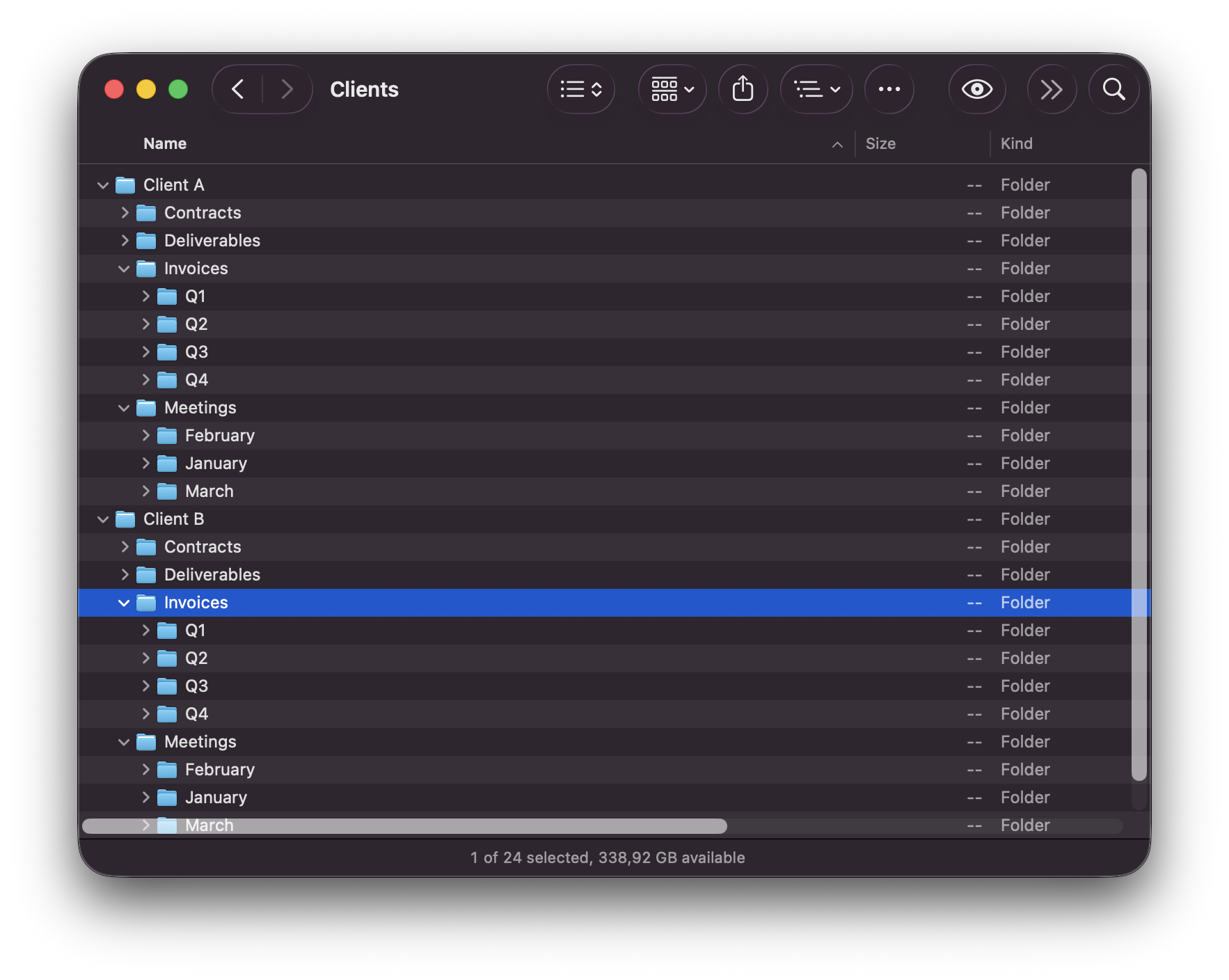
How-to
Ready to organize beautifully?
Download Templatix and create complete folder hierarchy from templates