Icon Folder customization, supercharged.
Foldiconix offers the most complete folder icon customization experience on the market, with standout features that go far beyond Finder’s built-in functionality.
Features
Simple workflow, strong results
Pick an icon source → tune appearance → apply to one folder or many. Everything stays Finder‑friendly.
Generate, stamp and reuse icons effortlessly
- Icon sources: SF Symbols, emoji, text, images, Generative AI.
- Look & feel: color tint, brightness and contrast, size, placement, multiple stamping modes.
- Reusable: presets + history to reapply styles.
- Image Import: bitmap and vector icons with built-in background removal and folder organization
- Icon Search: search icon in predefined and user-defined categories
- Suggestions: benefit from suggestions for icon search and color combinations.
- Native: designed to work smoothly with Finder & iCloud.
Your workspace reflects your mind
- Designers: match folders to projects, brand, mood boards, or creative direction
- Developers: quickly spot repos, environments & builds.
- Teams: standardize shared folders to keep everyone visually aligned.
- Students: instantly spot courses, years, and assignments.
Screens
A quick look inside the app
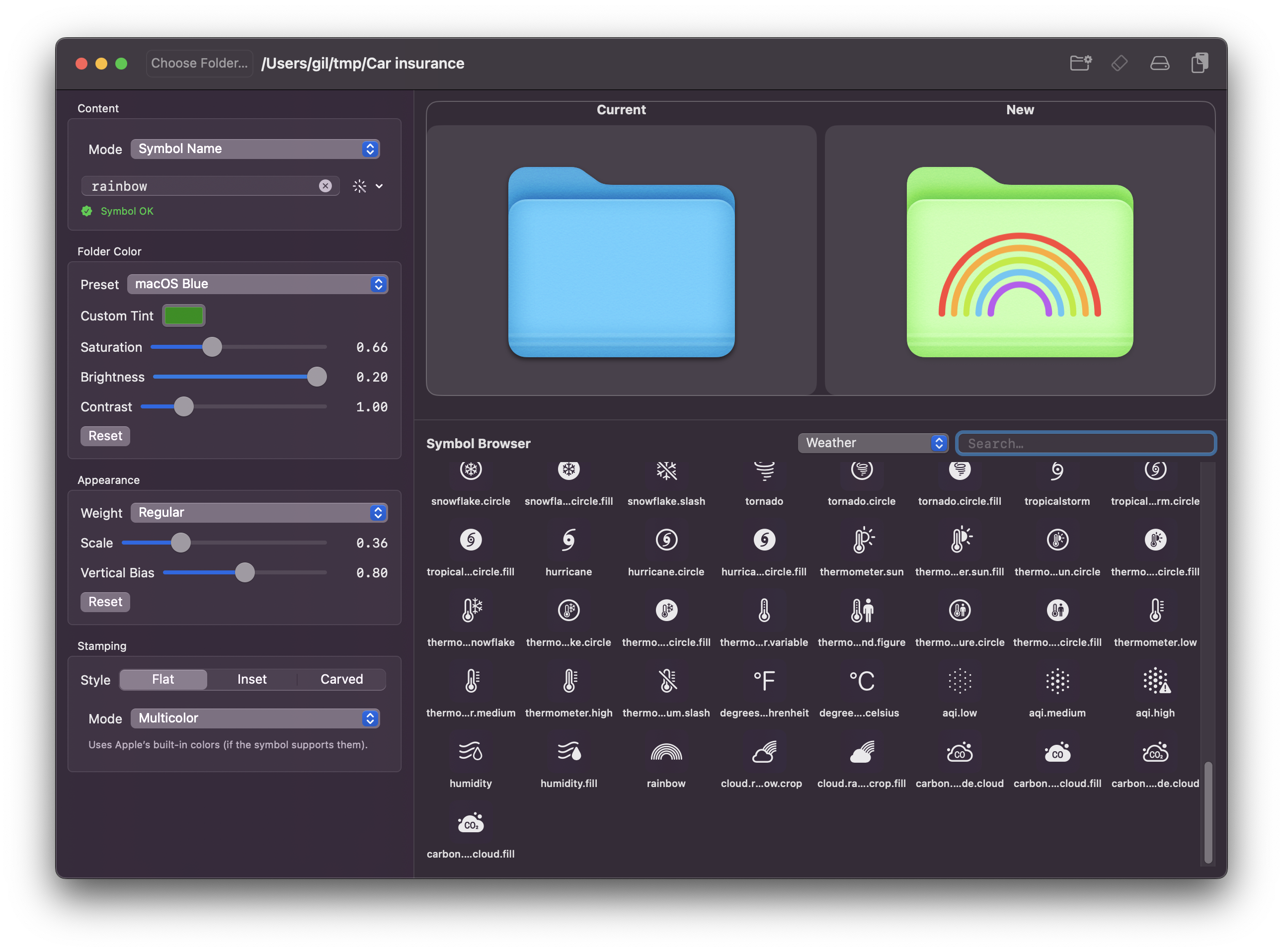
Icon Library: — Browse SF Symbols, Emojis, Custom Images
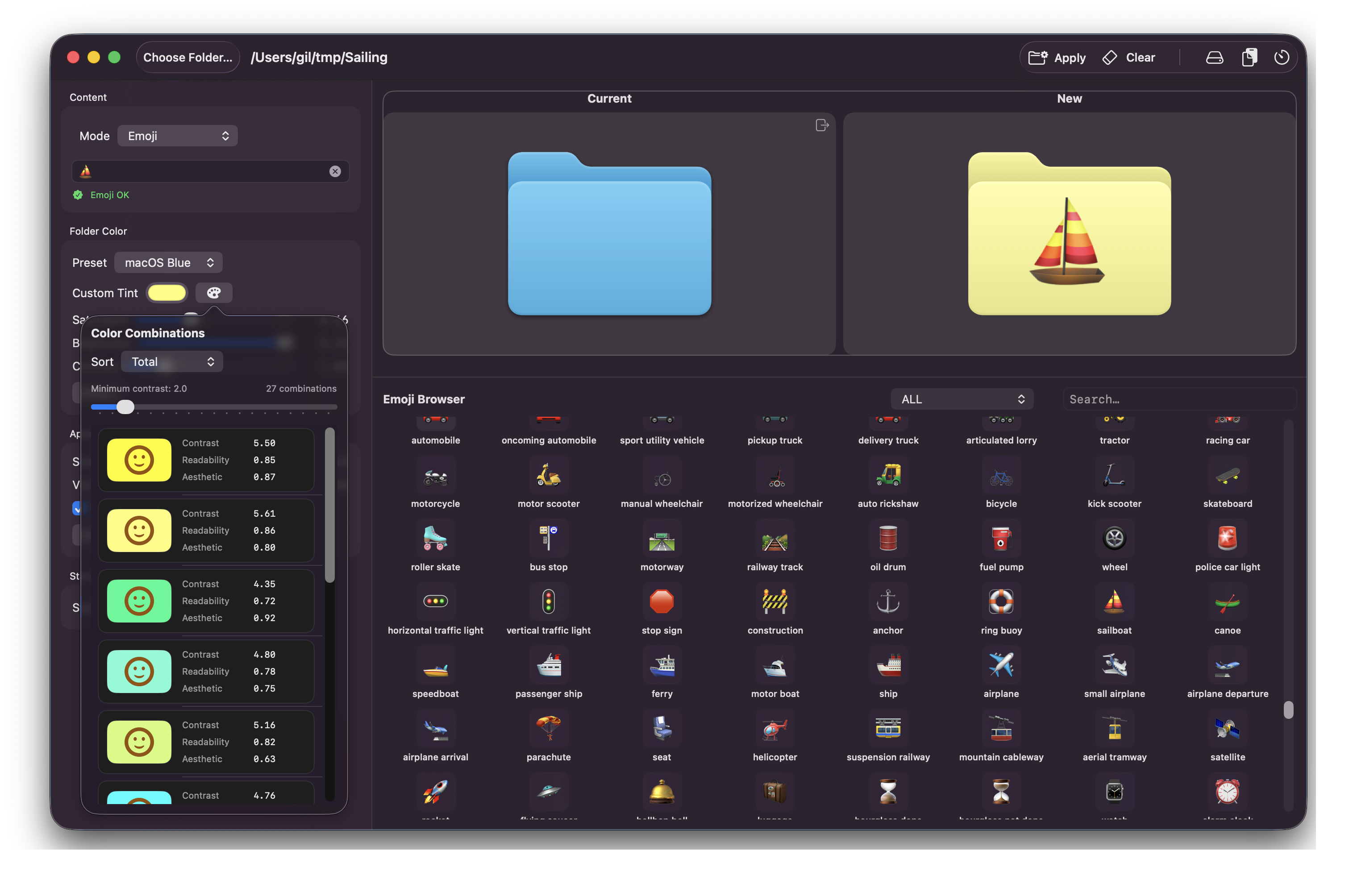
Editor:Adjust color, size, text and stamp style with background/foreground suggestions
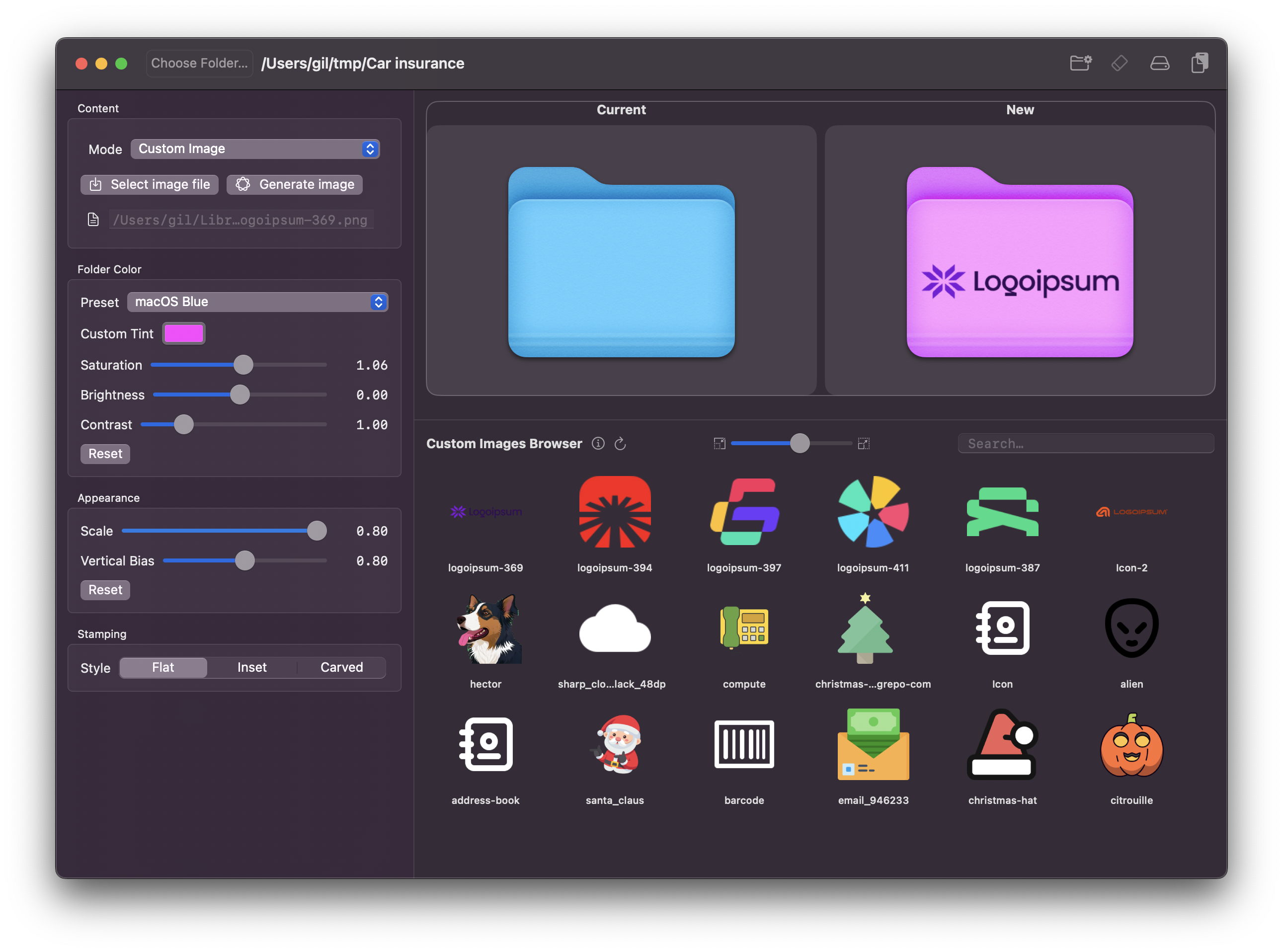
Custom images: Import Icons from well-known sites
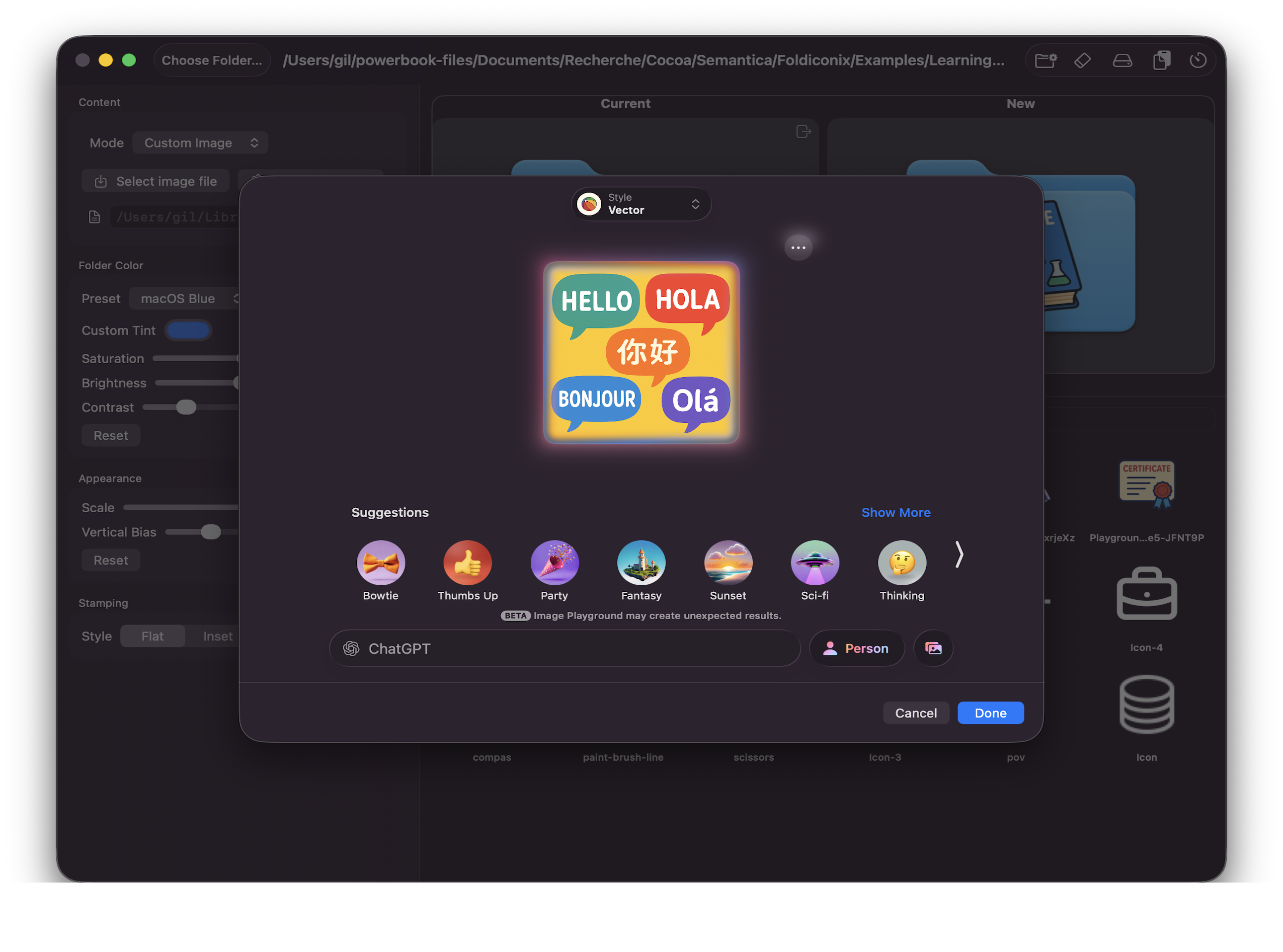
Generated Icons: Generate and refine with a prompt.
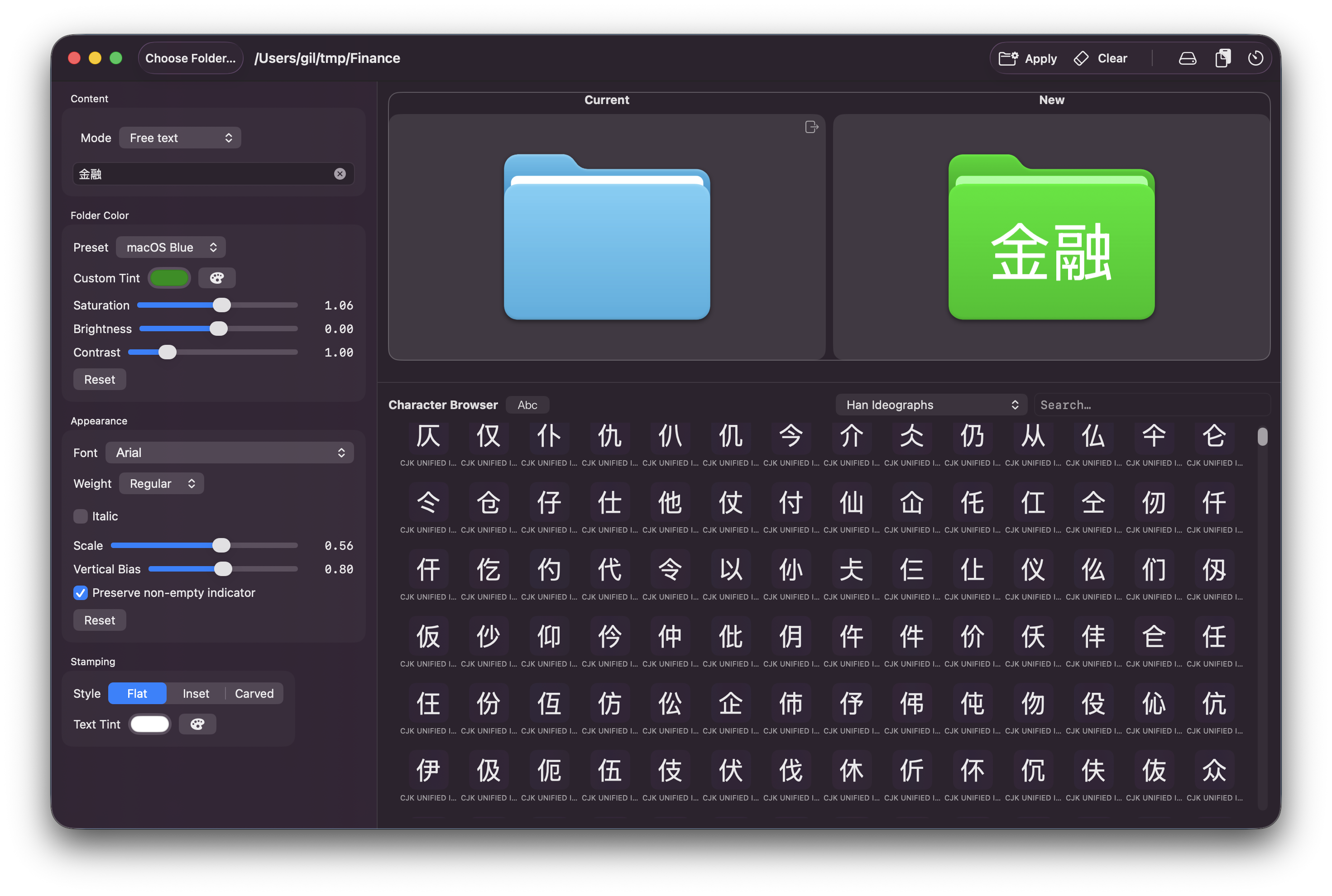
International Text and Acronyms: Use Short Text to identify quickly
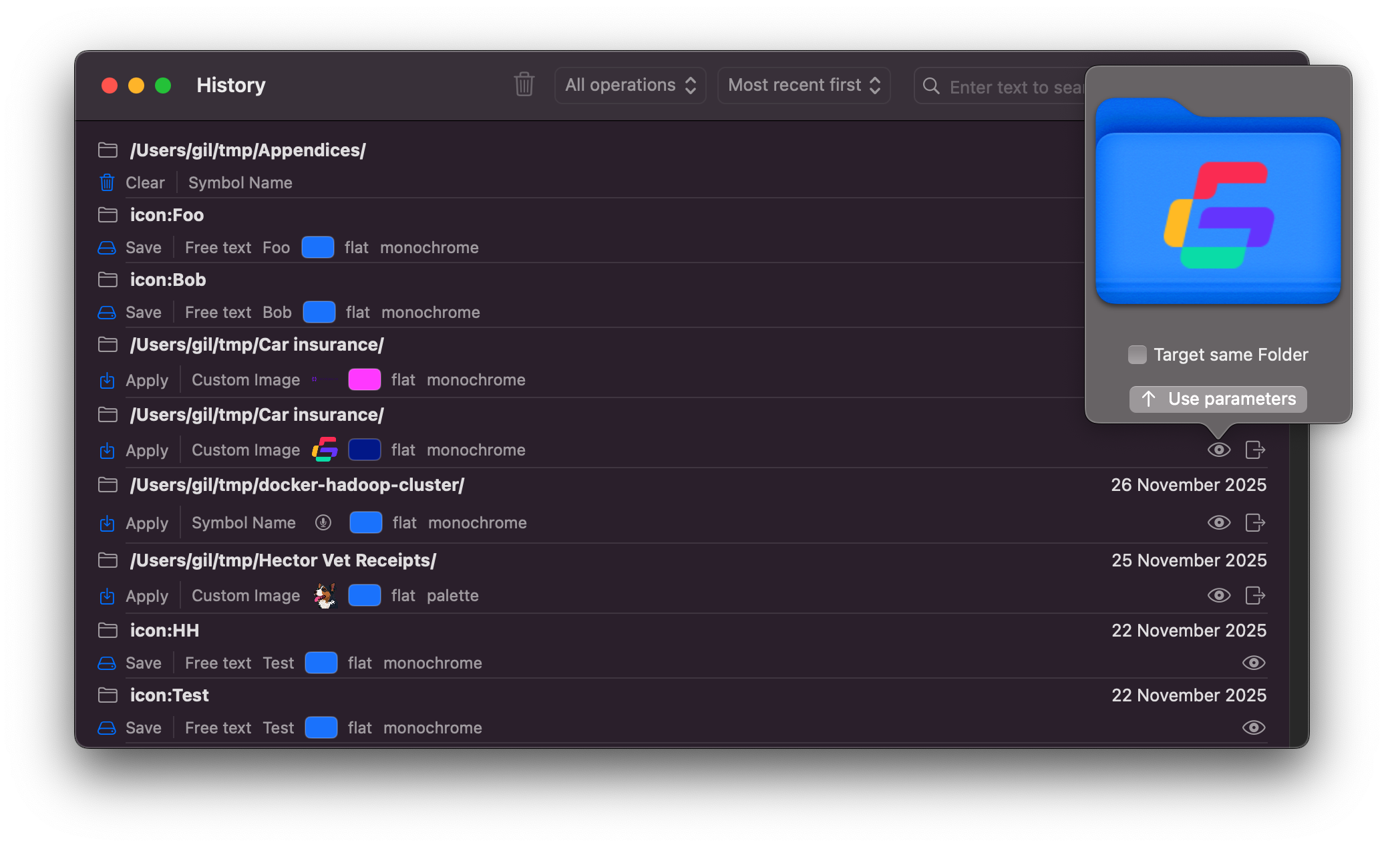
History and Save: — reuse the last styles you applied.
Icon examples
Folder icon ideas
A small gallery of “custom icon” examples

SF Symbols (Carved)

SF Symbols
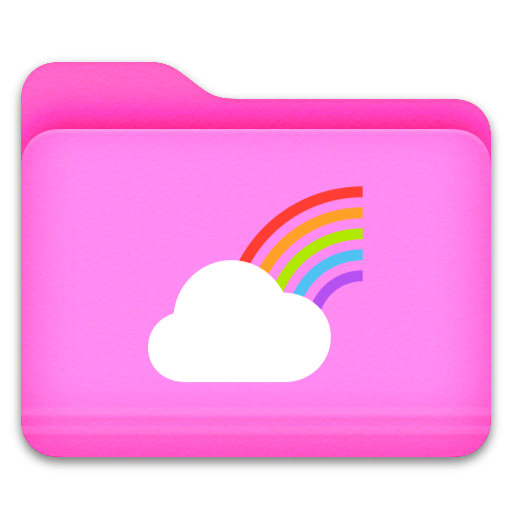
SF Symbols (N-Colors)

SF Symbols (Hier.)

Emoji
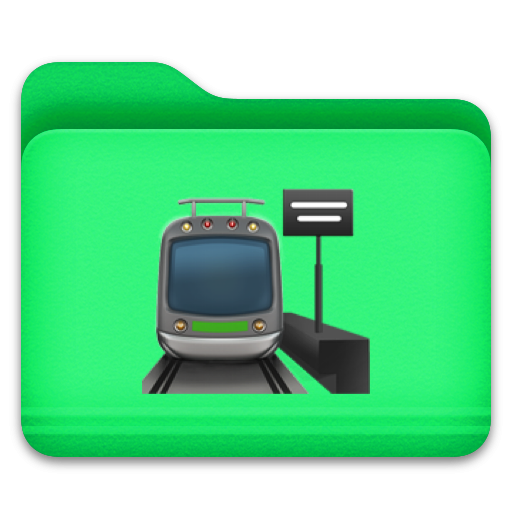
Emoji
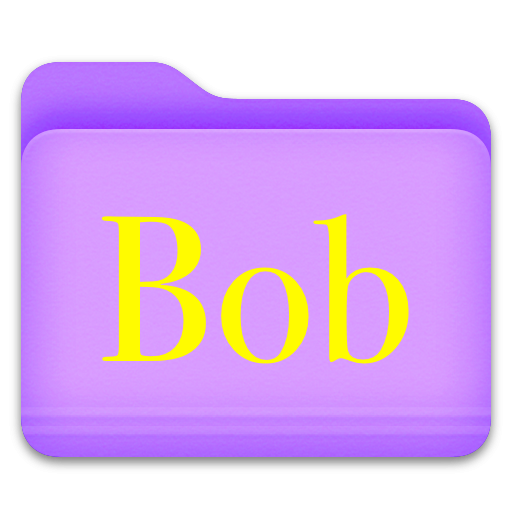
Styled Text

Styled Text (Intl.)

Custom Image
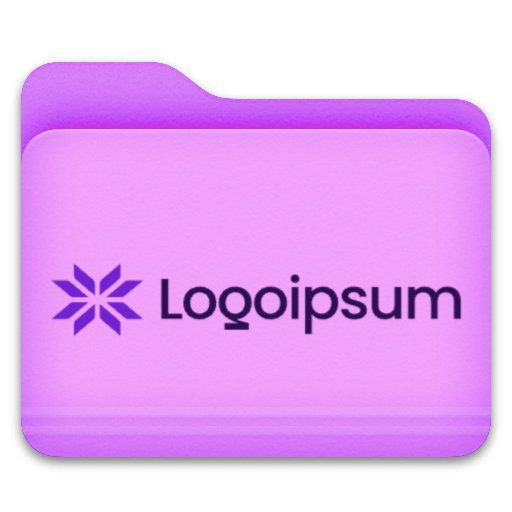
Custom Image
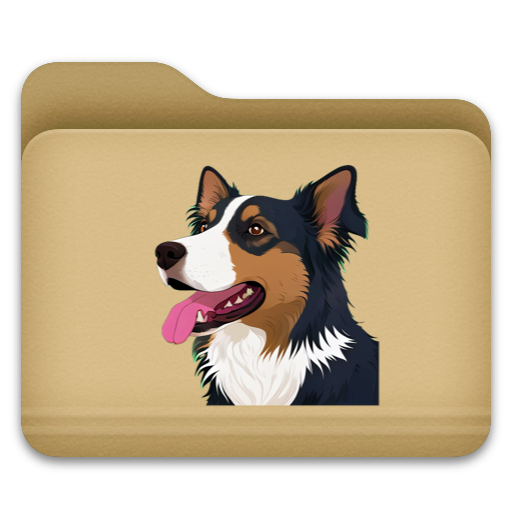
AI Generated Image
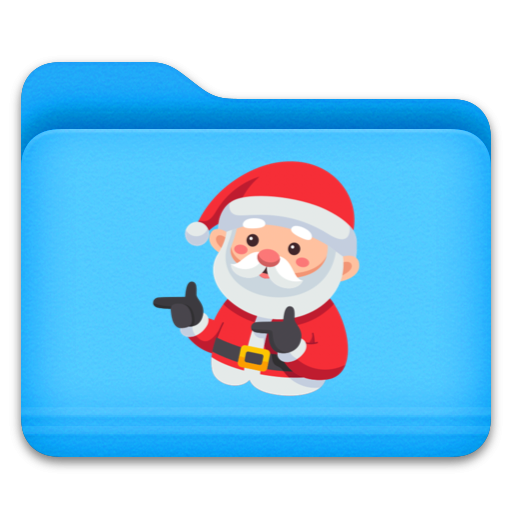
AI Generated Image
Finder
Use cases
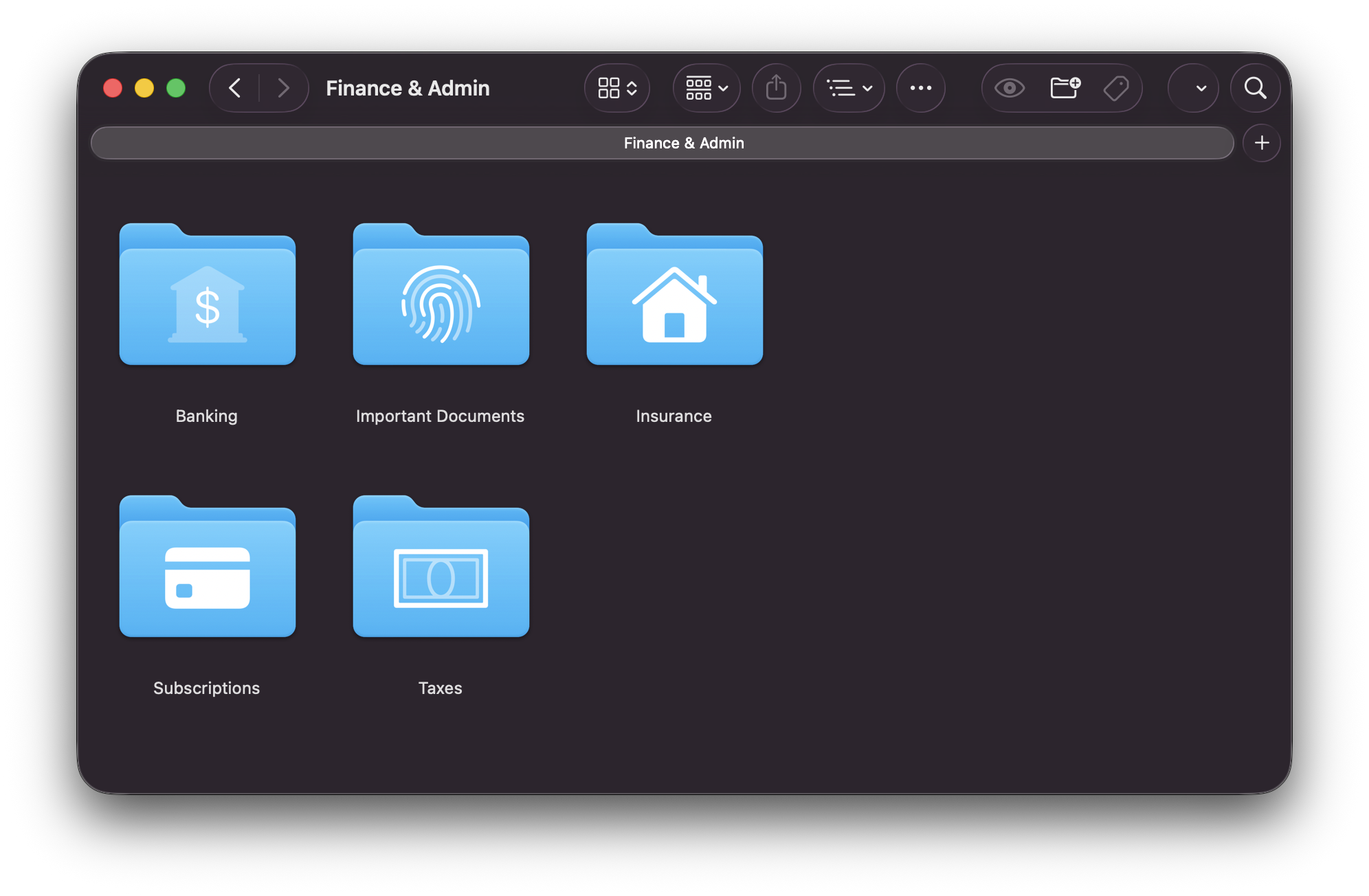
Finance & Admin
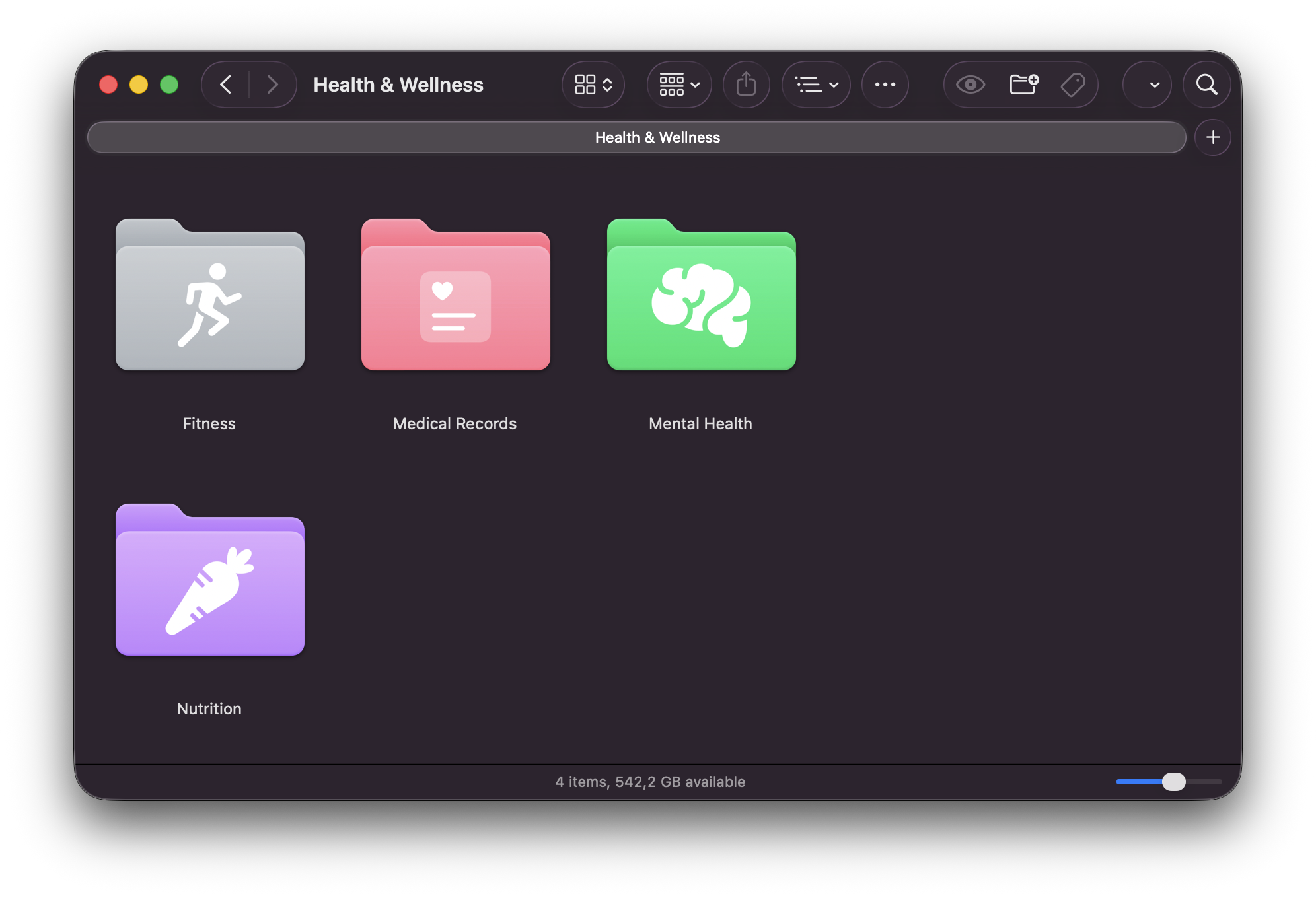
Health & Wellness
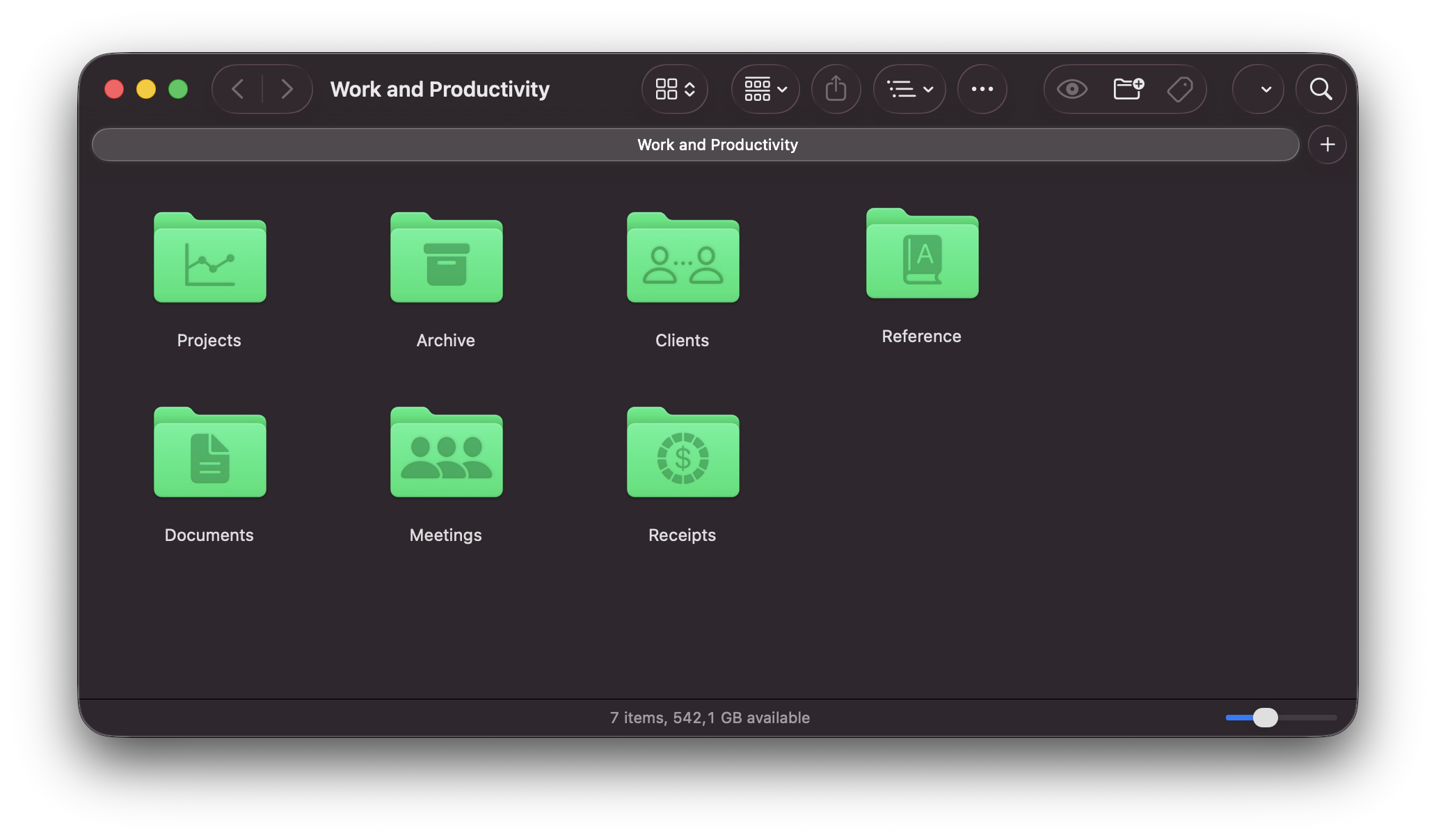
Word & productivity
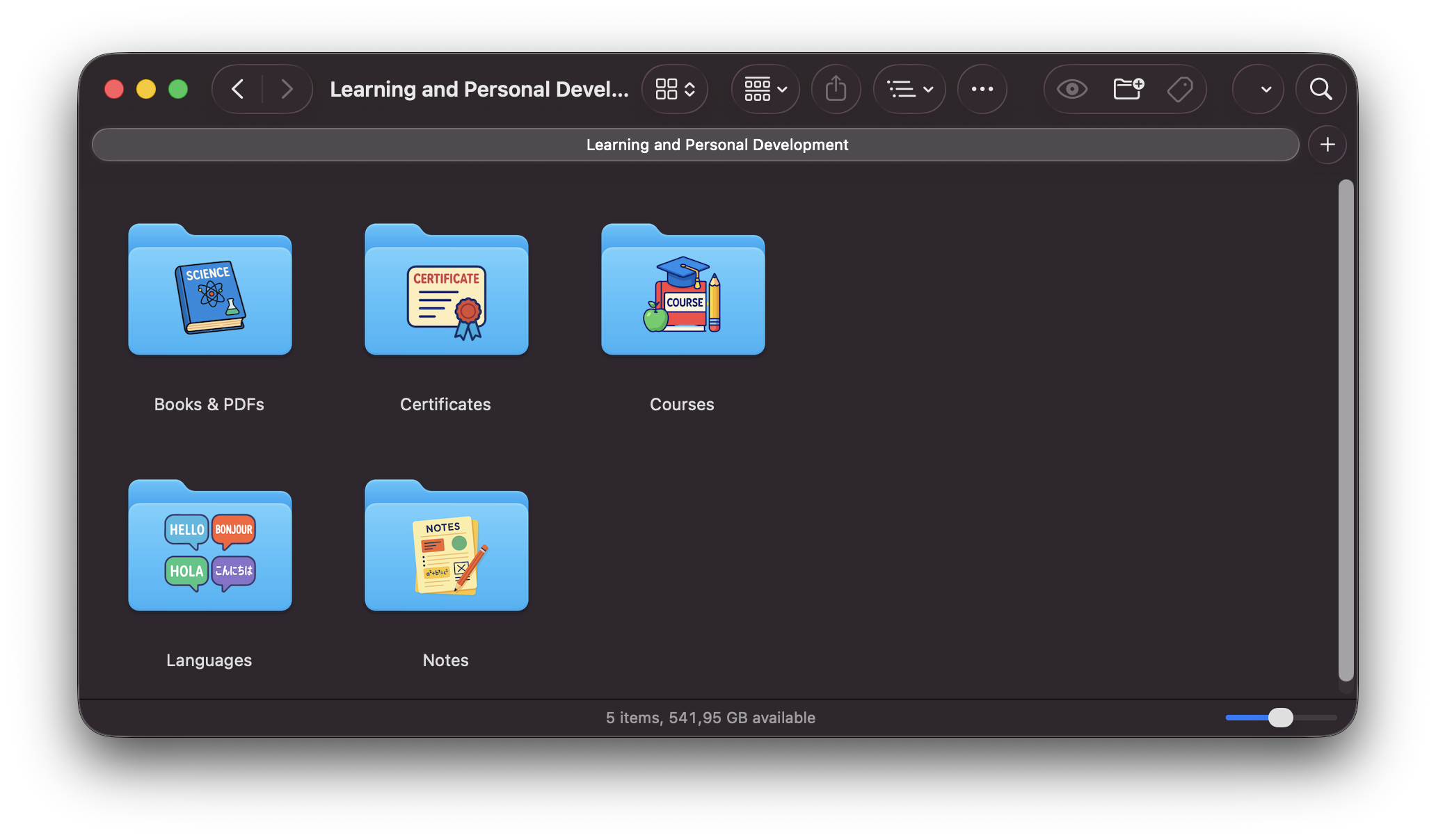
Learning & Personal Development
Videos
How-to
Customize folder with SF Symbols
Customize folder with Text
Customize folder with Emoticons
Customize folder with your selected or downloaded Images
Customize folder with AI-Generated Images
Get suggestions for SF Symbols
Save and reuse style parameters
Get suggestions for combining Colors
Ready to organize beautifully?
Download FoldIconix and give your folders a visual system that matches how you think.